Part Marking SOP: Mistake-Proof Your Sheet Metal Assembly
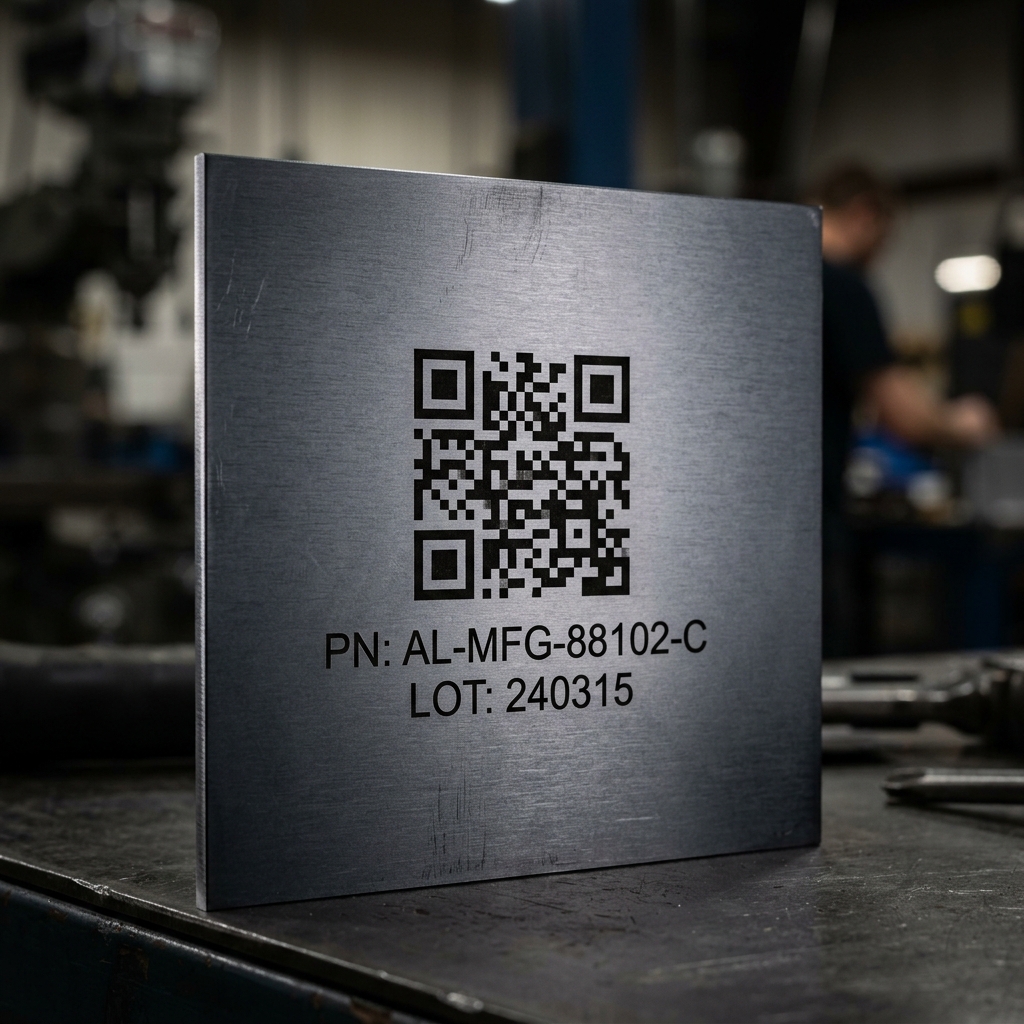
Have you ever received a batch of identical-looking sheet metal brackets...
Only to realize half of them are mirrored, and none of them have part numbers?
The assembly floor grinds to a halt. You are left measuring holes with calipers just to figure out what goes where.
The fix isn't better sorting by the factory. It is a bulletproof Part Marking Standard Operating Procedure (SOP) in your CAD. 👇
If you don't explicitly tell the CNC laser or punch press exactly how and where to mark your part, the factory will just guess—or skip it entirely.
To mistake-proof your assembly line, follow these 3 rules for Part Marking:
𝟭. 𝗘𝘁𝗰𝗵, 𝗗𝗼𝗻'𝘁 𝗖𝘂𝘁
When you place text on a flat pattern, you must ensure the laser is set to "Etch" or "Engrave," not "Cut." If the factory accidentally runs your text on a cutting pass, the laser will literally slice the center out of every "O", "P", and "D", ruining the structural integrity of the part. Always place your text on a dedicated, clearly labeled CAD layer.
𝟮. 𝗟𝗼𝗰𝗮𝘁𝗶𝗼𝗻 𝗶𝘀 𝗘𝘃𝗲𝗿𝘆𝘁𝗵𝗶𝗻𝗴
Never place a part number randomly in the center of a large panel. Always place the marking near a distinct asymmetric feature (like an odd hole pattern or a specific bend). If the part is symmetrical, the marking helps the operator instantly identify the correct orientation before they put it in the press brake.
𝟯. 𝗣𝗿𝗼𝘁𝗲𝗰𝘁 𝘁𝗵𝗲 𝗖𝗼𝘀𝗺𝗲𝘁𝗶𝗰 𝗙𝗮𝗰𝗲
If you are designing a kiosk or a visible enclosure, you never want the part number showing on the outside. Always verify that your text is etched on the "inside" face of the flat pattern so it becomes completely hidden once the sheet metal is folded into its final 3D shape.
💡 𝗣𝗥𝗢 𝗧𝗜𝗣: Don't just use standard fonts. Use a "Stencil" font in your CAD software. This guarantees that even if the factory accidentally cuts the text instead of etching it, the letters won't fall out!
Have you ever had an assembly delayed because parts weren't labeled properly? Let me know below! 👇
Related Articles
DXF Export SOP: Stop Lasers From Ruining Your Sheet Metal
Have you ever sent a sheet metal flat pattern to the factory, and they accidentally laser-cut your part into three separate pieces? You probably forgot to clean up your DXF export.
The K-Factor: Why Your Sheet Metal Flat Patterns are Wrong
You design a sheet metal bracket in CAD with perfect 100 mm dimensions. But when the factory folds it, the final part measures out to 102 mm. Why did your metal magically grow? You guessed the K-Factor.
Springback in Sheet Metal: Why Metal Fights Back
You program your sheet metal CNC press brake to hit an exact 90-degree bend. But when the operator takes the part out, it measures 93 degrees. Why does metal fight back? It’s a physical phenomenon called Springback.
Have a product challenge like this?
We help hardware teams solve complex engineering, DFM, and production challenges every day.
Discuss Your Project